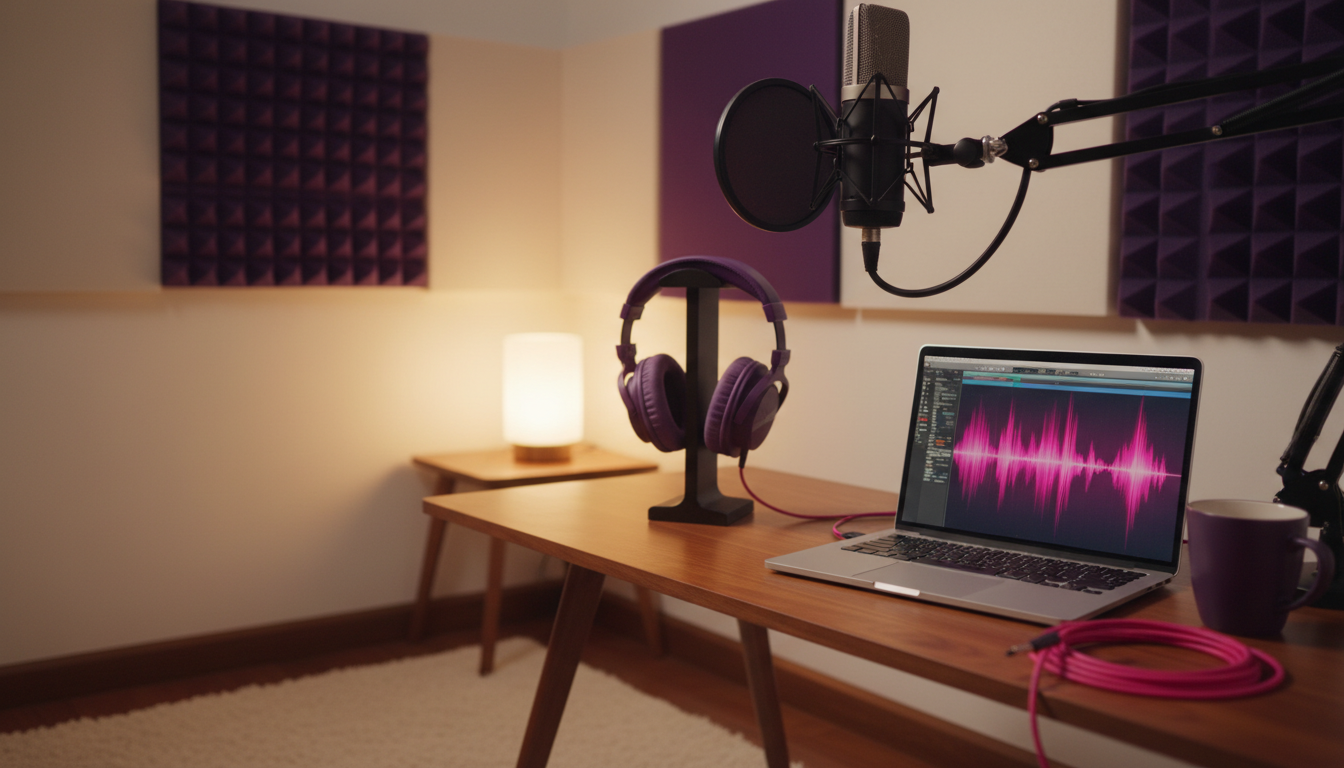
You do not need a glamorous recording room to begin learning how to capture your voice.
Home recording can feel intimidating because tutorials often begin with expensive equipment or complicated software. But the most useful starting point is understanding a few basics and learning to listen carefully to your own recordings.
Choose the quietest place available
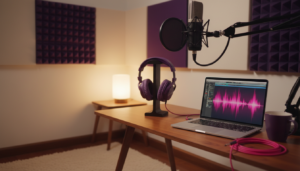
Room sound matters. Hard surfaces can create distracting reflections, and background noises such as traffic, fans or appliances may be picked up by the microphone. Start by testing a few positions in the room. A quiet, comfortable area is often more important than the way the setup looks.
Understand your signal chain
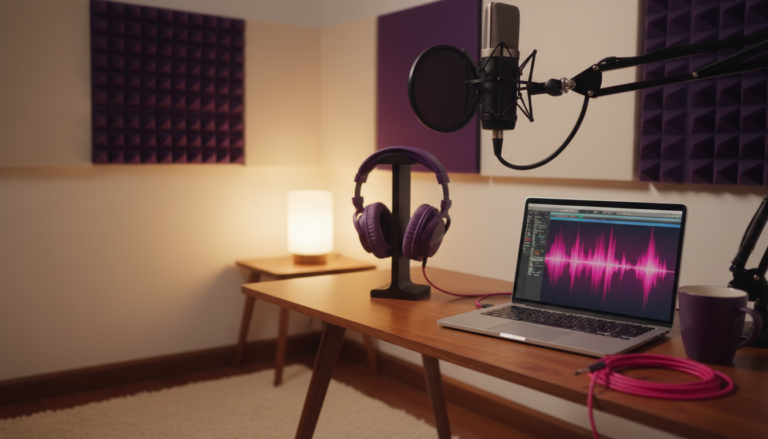
A typical setup uses a microphone, an audio interface, a computer with recording software and headphones. The interface converts the microphone signal for the computer. Headphones allow you to listen to the backing track without having it spill into the microphone. Here is a set that will get you started quickly: https://thmn.to/thoprod/566687?offid=1&affid=4783
Practice microphone technique
Record a few short phrases at different distances from the microphone. Listen for changes in tone, breath sounds and plosives. A pop filter can help with bursts of air from consonants. Avoid recording so loudly that the signal distorts.
Keep the session simple
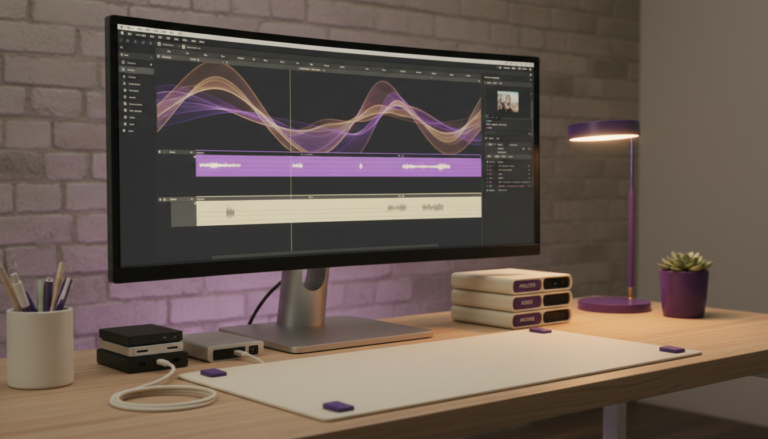
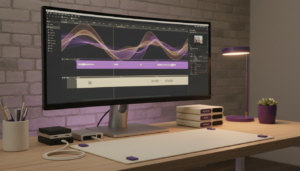
Create one project, label the track clearly and record a test before starting a long session. Save your work in an organised folder and make a backup. You can experiment with editing and effects later; first aim for a clean recording that captures the performance naturally. I use Logic Pro to record but there are many different programs some are even free to start.
Listen, learn, repeat
The first recording may reveal things you never noticed while singing. That is normal. Treat each take as information rather than a verdict on your voice.
This beginner guide covers general recording fundamentals. A separate studio tour will document the exact equipment in my own setup once confirmed.