

Creating content is fun. Finding the right file six months later? That’s a completely different creative challenge.
If you work with music videos, Reels, studio clips, photographs and long-form YouTube projects, your media library can grow quickly. Without a simple structure, it becomes harder to see what you already have and which clips might still be useful.
Start with one home for each project
A practical approach is to keep every project in a clearly named folder. Inside it, separate original camera files, audio, graphics, editing project files and final exports. That helps keep temporary versions from becoming mixed up with finished material.
Give files meaningful names
Dates, project names and a short description are often more useful than filenames such as “final2_NEW”. A name that makes sense today should still make sense months later. It is also useful to distinguish vertical and horizontal exports.
Work locally, archive deliberately
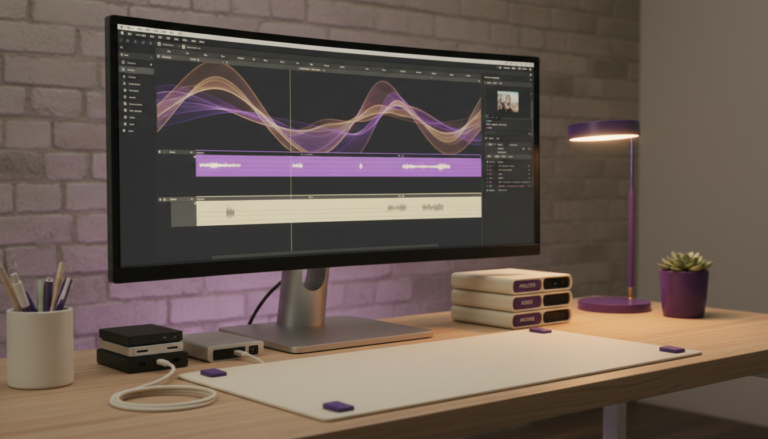
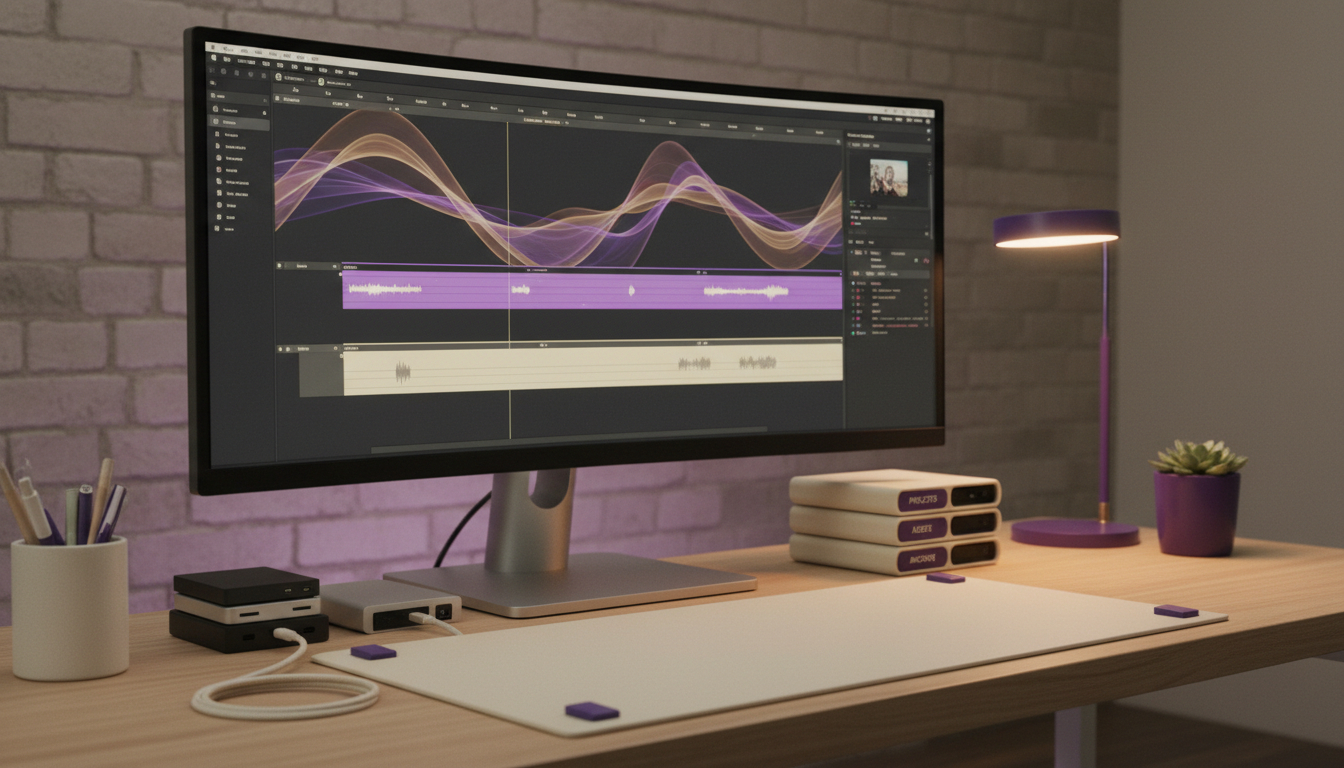
Video editing can require fast storage. With a Mac, DaVinci Resolve and an external SSD, one possible workflow is to keep current editing media on the SSD and move completed projects into a separate archive. That is a proposed workflow, not a statement that it is already in use.
Backups are not the same as organisation
A tidy folder structure makes files easier to find. Backups protect against losing them. Both matter. An archive should have another independent copy, and it is worth checking occasionally that backed-up material can actually be restored.
Make the system easy to maintain
The best organisation system is the one you can follow after a long editing session. Keep naming rules short, use a consistent location for exports and add tags only when they genuinely help you search.
This article is based on a proposed media-management workflow. A future update can document the exact system and software after testing.